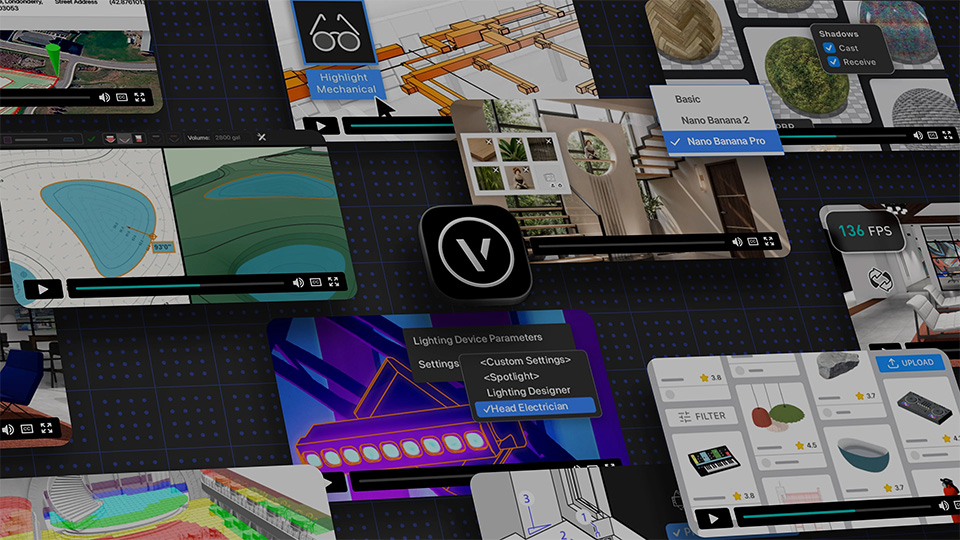
Vectorworks 2027 nieuwigheden - Architectuur, interieur, landschap & events en entertainment
Benieuwd naar naar de nieuwigheden van Vectorworks 2027? Bekijk hieronder de tutorials van de nieuwste features!
Leerdoelen
✓
Efficiënt navigeren en werken in de Vectorworks-omgeving
✓
3D modelleren en grafisch opwerken
✓
Gebruik van basisgereedschappen voor tekenen en bewerken
✓
Hybride symbolen aanmaken
✓
Objecten verplaatsen, spiegelen, roteren en stapelen
✓
Ontwerp presenteren en exporteren naar PDF
How To's
Details
Heading 2
Heading 3
Heading 4
Heading 5
Heading 6
Sample text is being used as a placeholder for real text that is normally present. Sample text helps you understand how real text may look on your website. Sample text is being used as a placeholder for real text.
The rich text element allows you to create and format headings
The rich text element allows you to create and format headings
The rich text element allows you to create and format headings
The rich text element allows you to create and format headings
The rich text element allows you to create and format headings
The rich text element allows you to create and format headings
Sample text is being used as a placeholder for real text that is normally present. Sample text helps you understand how real text may look on your website. Sample text is being used as a placeholder for real text.
This is a placeholder image.
Modernisering van texturen
Op dreef
12:24
The Exchange
Starter
08:04
Datavisualisatie sets
Tovenaarsniveau
11:21
Wasbak
Op dreef
02:51
Binnendeur
Op dreef
10:40
Aanvulvolume gereedschap
Op dreef
09:31
Georefererentie
Tovenaarsniveau
12:49
Schematic View Workflow
Op dreef
08:22
Cable Connectivity Workflows
Op dreef
17:25
Vectorworks 2027 nieuwigheden - Architectuur, interieur, landschap & events en entertainment
.svg)